MakerSpace
About & Policies
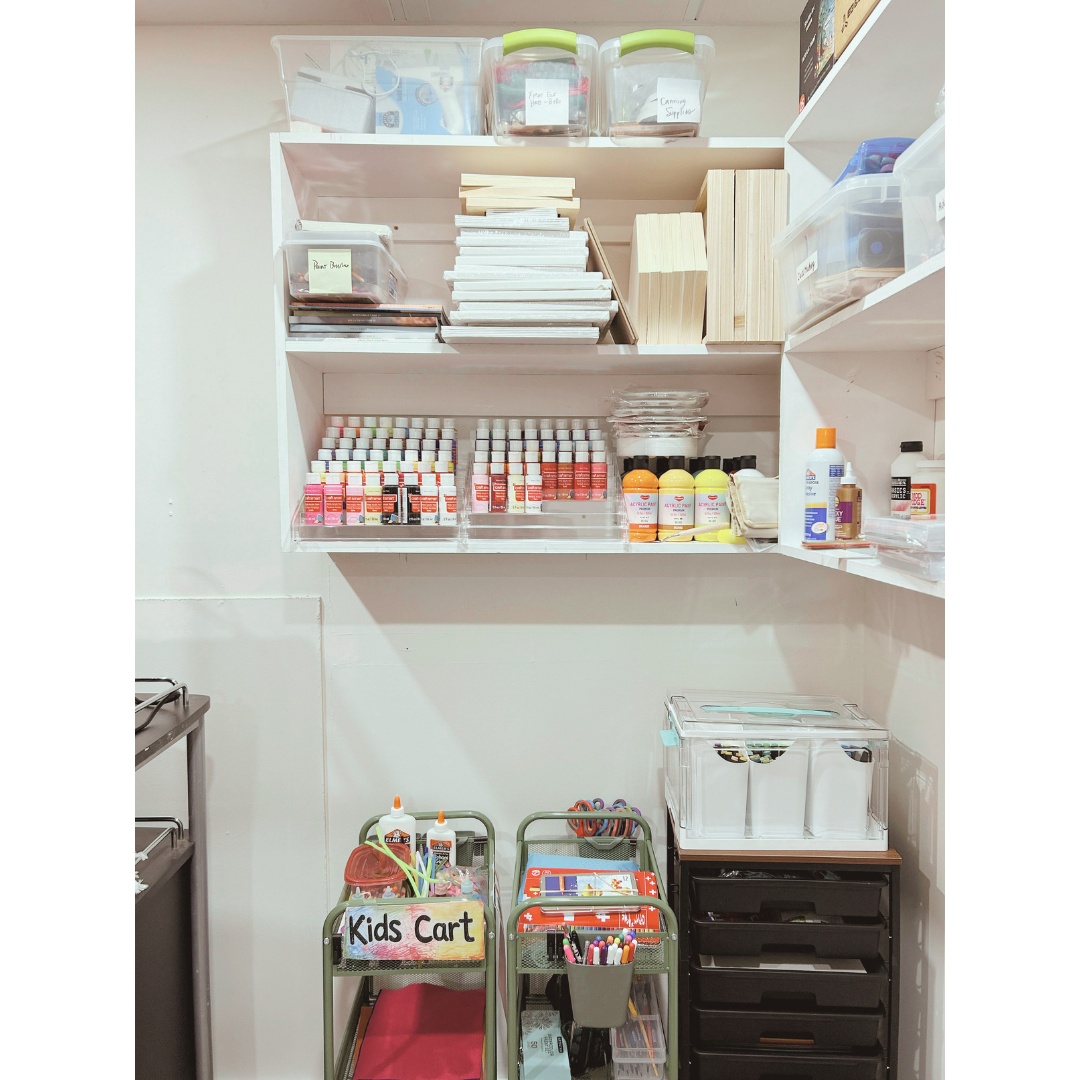
What is the MakerSpace?
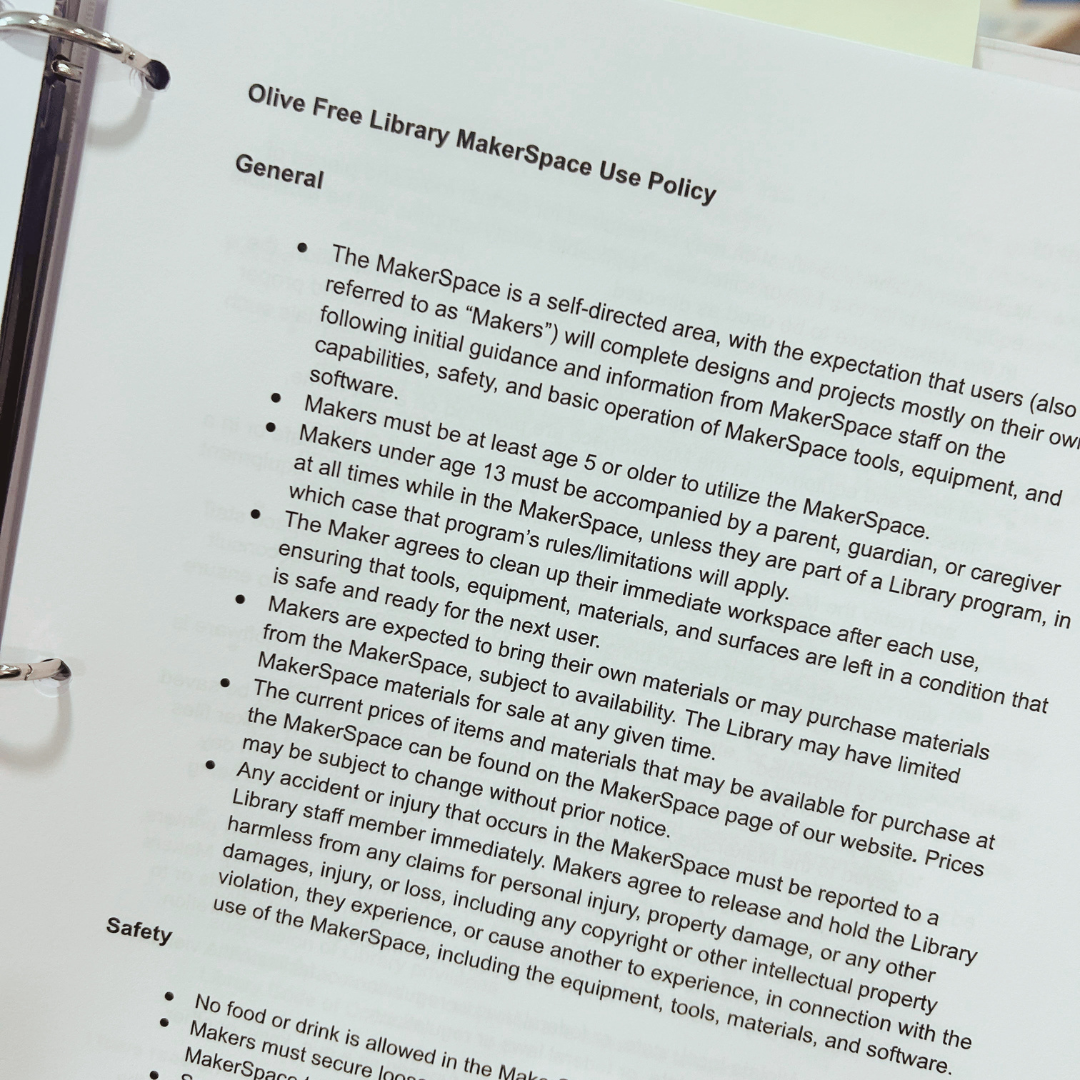
The MakerSpace is a self-directed area, with the expectation that users—“Makers”—will complete designs and projects mostly on their own, following initial guidance and information from MakerSpace staff on the capabilities, safety, and basic operation of MakerSpace tools, equipment, and software.
What are the MakerSpace policies?
See our MakerSpace Policy for a full list of rules and policies. Everyone who uses the MakerSpace is required to read and sign the MakerSpace Policy before using the MakerSpace.
Location & Hours
Where is the MakerSpace located?
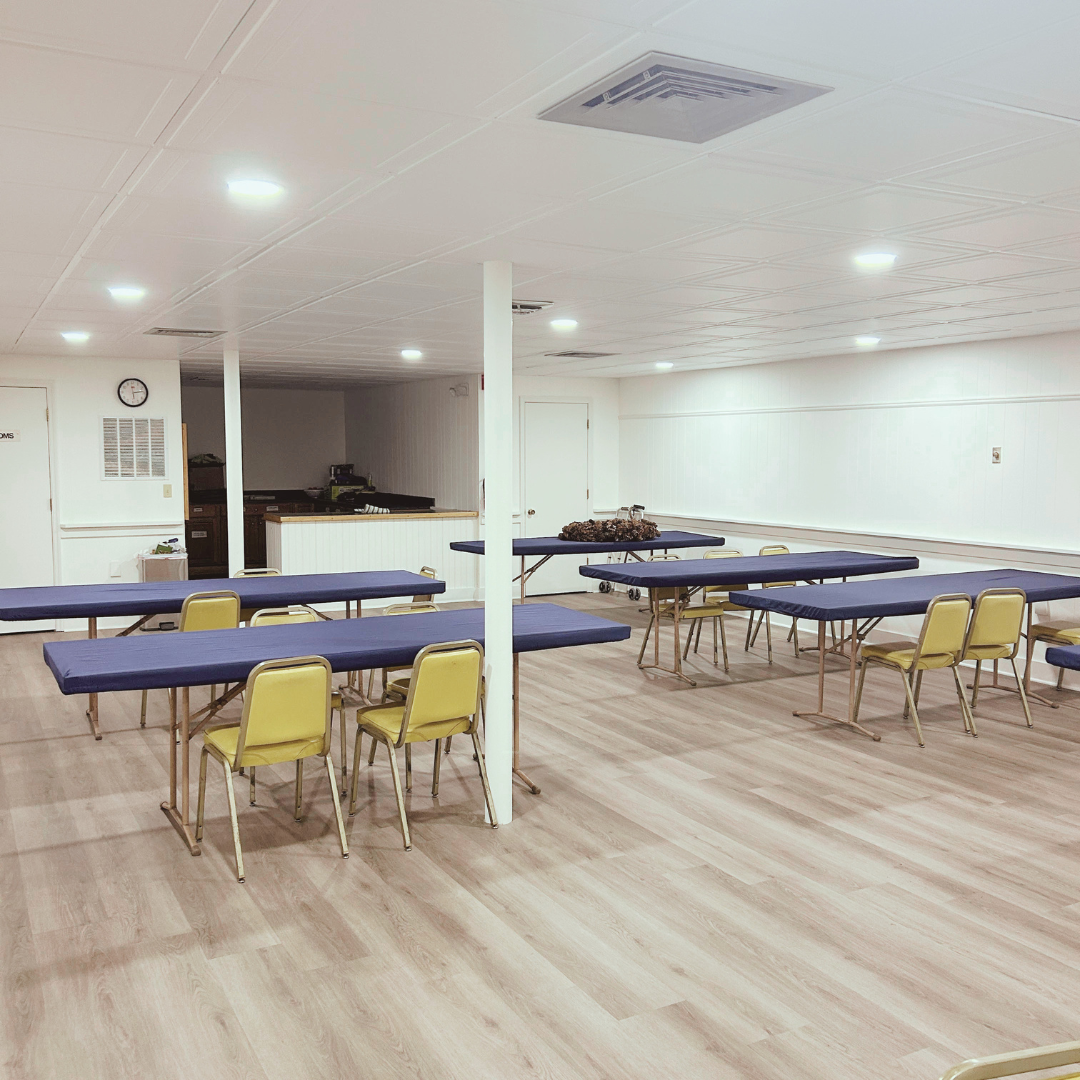
The Makerspace is on the lower level of the Olive Free Library, next to the book sale room and adjacent to the kitchen.
What are the MakerSpace hours? When is the MakerSpace open?
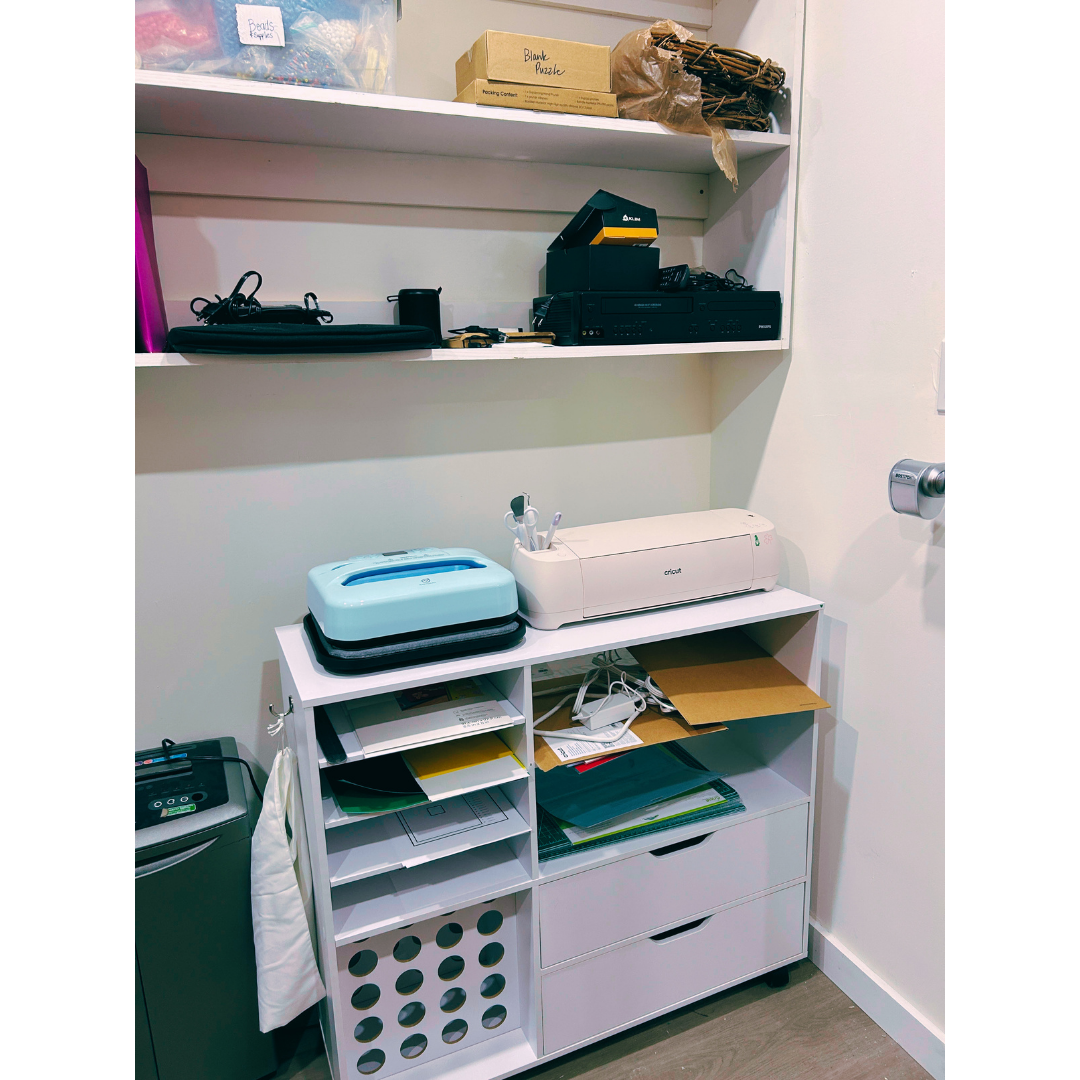
The Makerspace is open during library hours when there is not a program happening in the space. Please check the calendar on our home page to see if there is a program booked at the time, or give us a call at 845-657-2482, if you wish to use the MakerSpace. Access to 3D printing services and Cricut machine help is by appointment with staff.
Are there age limits?
Who can use the MakerSpace? Are there age limits? Is a waiver required?
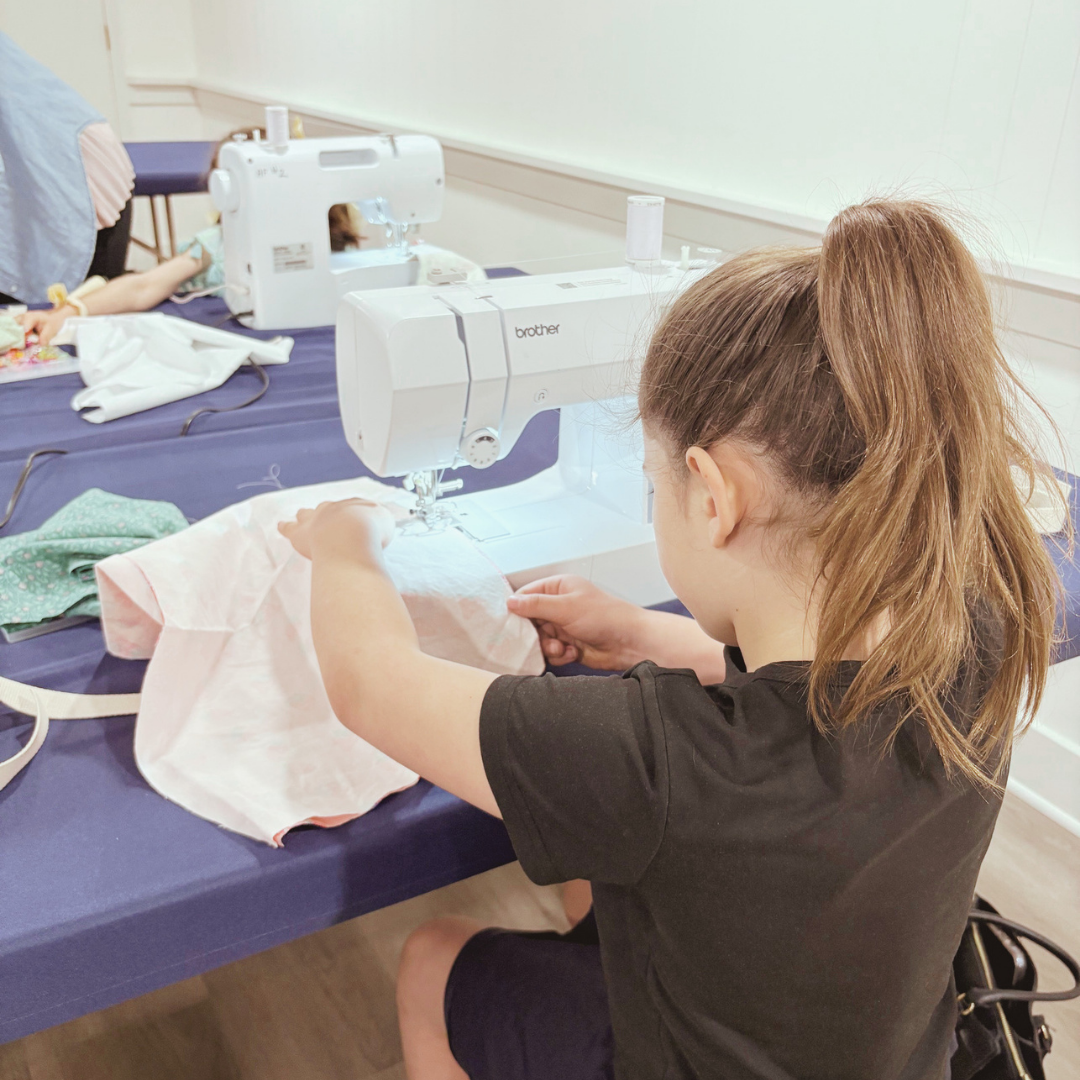
Makers must be at least age 5 or older to utilize the MakerSpace. Makers under age 13 must be accompanied by a parent, guardian, or caregiver at all times while in the MakerSpace, unless they are part of a Library program, in which case that program’s rules/limitations will apply.
What does the Makerspace cost? What materials do I need to bring? Do you sell materials?
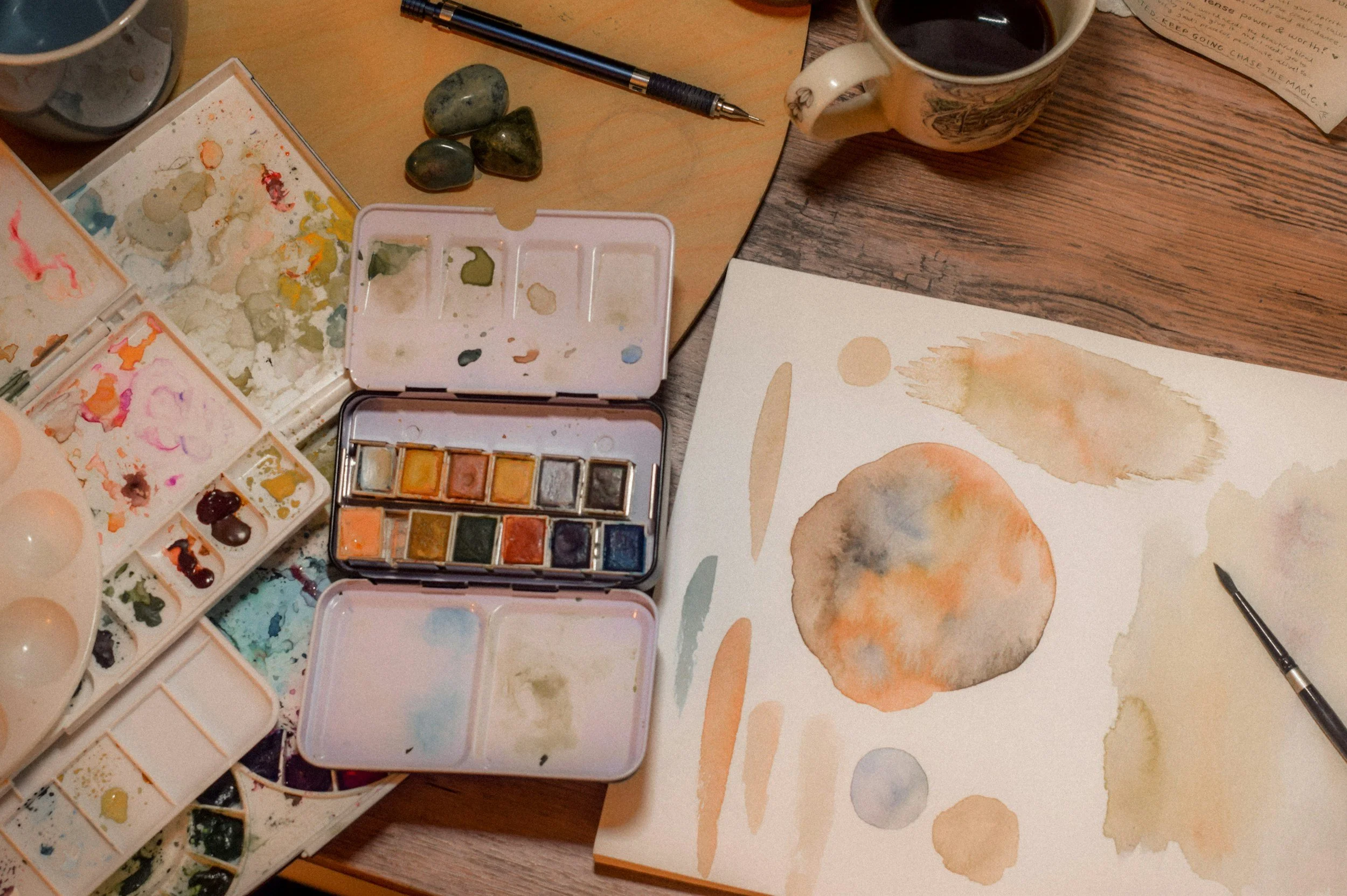
The MakerSpace is free to use for OFL cardholders, and most of the materials—paint, paper, brushes, markers, etc.—are free to use. Some equipment requires a cost for materials. The library sells a limited supply of materials. Material availability is not guaranteed; prices are subject to change. The Library does not offer refunds for materials used or for any remnants.
3D printer filament: 10¢/gram
Cardstock paper: 20¢ per sheet
Vinyl (iron-on/heat transfer vinyl/HTV ): $2 per 12” x 12” sheet
Vinyl sheets to make stickers: $2 per 12” x 12” sheet
Mosaic boards and supplies: $6.00
3D Printer Policies
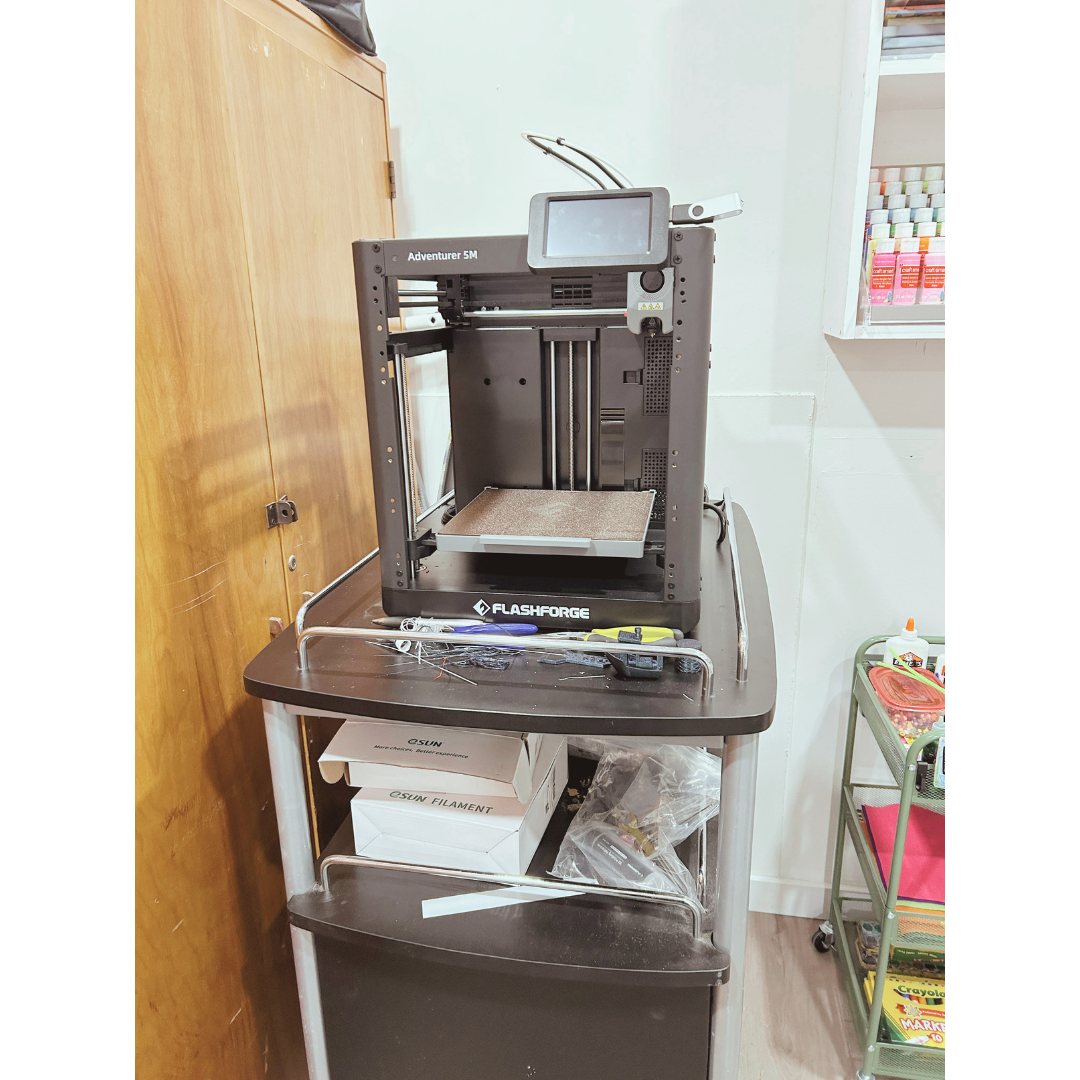
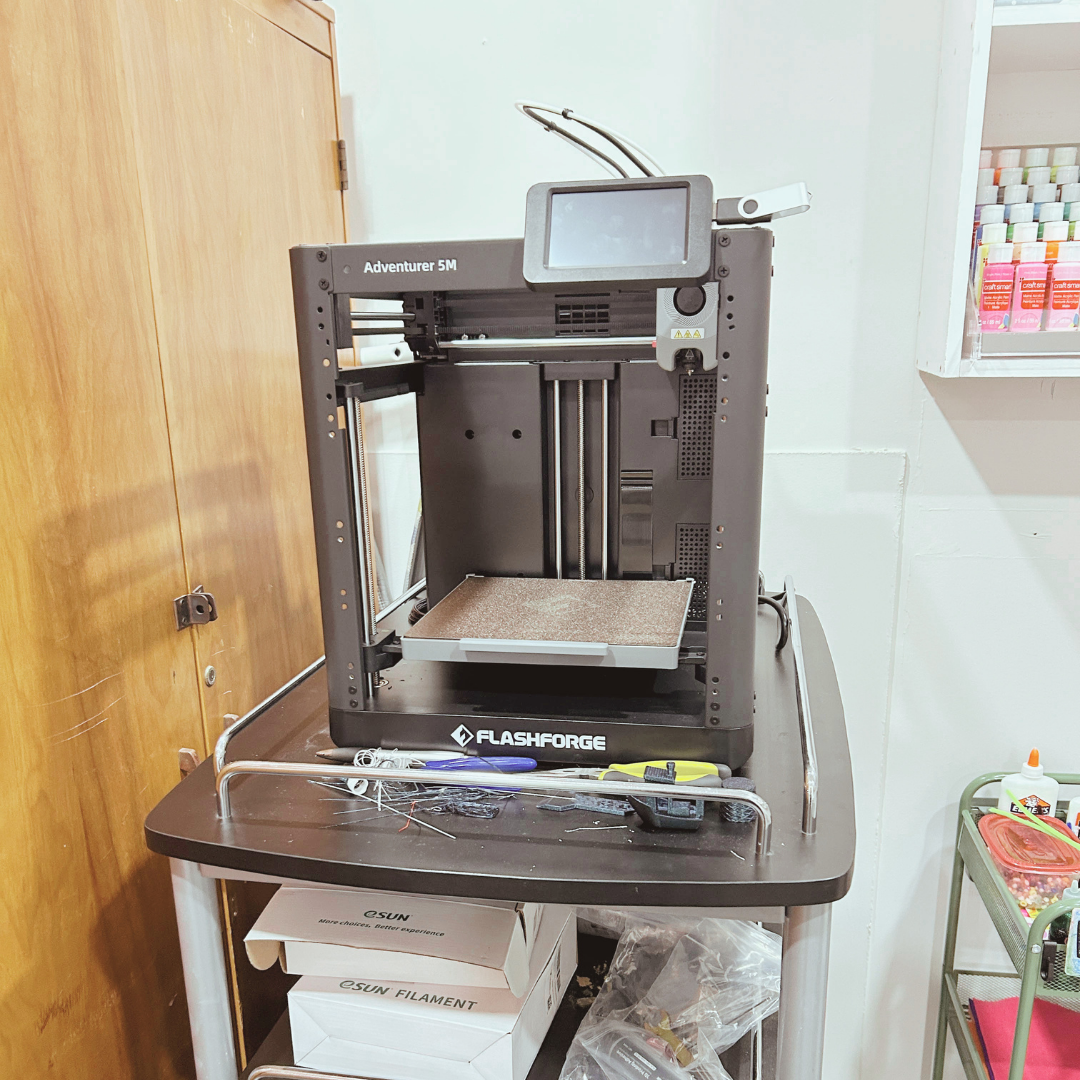
3D printers are available at the Olive Free Library for library users to make three-dimensional objects using a design that is uploaded from a digital computer file. Only designated Library staff and volunteers will have hands-on access to the 3D printer.
You must provide a valid email when you submit your project. We will send you an email from makerspace@olivefreelibrary.org within one business day, providing an estimated weight for the object and an estimated completion date. If you do not receive this email, check your Spam or Bulk mail folder. If you still do not see an email from us, please contact us at makerspace@olivefreelibrary.
Makers must read and sign the 3D Printing Policy before submitting any projects.
Memory Lab
Preserve Your Precious Memories
Our Memory Lab is a free and easy way to turn your old photos, slides, home movies, and cassette tapes into digital files you can keep and share.
The Memory Lab at the Olive Free Library is a do-it-yourself space with equipment and instructions for digitizing and preserving your precious memories. You can convert VHS tapes, audio cassettes, vinyl records, film slides, photographs, and documents into digital formats. Once digitized, you can easily share them with friends and family.
Who Can Use the Memory Lab
To use the Memory Lab, you’ll need a Mid-Hudson Library System card and some basic computer skills. You’ll also need to agree to our simple Terms of Use before you begin.
The Memory Lab is a free, do-it-yourself space, and we’re here to help you get started. We look forward to seeing what treasures you create!
What You Can Convert
Audio
Cassette tapes: Convert your old mixtapes and cherished audio recordings into digital formats you can listen to anywhere.
Video
VHS tapes: Transform your home videos from bulky VHS tapes into modern, accessible digital files.
Photos
Photo prints: Scan your dusty photo albums into shareable digital files.
Slides: Preserve your old slide collections by converting them into high-quality digital images.
Negatives: Convert your photo negatives into new digital prints.
How It Works
This free, do-it-yourself space gives you the tools to digitize your personal media, putting you in charge of your own preservation project.
Reserve Your Spot: The lab is a popular space, so be sure to reserve your session in advance using our online booking system. If something comes up and you can’t make it, please let us know at least 24 hours ahead of time. You can use the cancellation link in your confirmation email or give us a call. If you are more than 10 minutes late for you reservation, it will be cancelled and the Memory Lab Station will be made available for others to use.
Come Prepared: You’ll need a place to save all your new digital files. Please bring your media (tapes, photos, etc.) and a storage device like a USB drive, SD card or external hard drive. In addition, you can use your personal cloud storage.
We’ll Help You Get Started: Our friendly staff will get you set up on the equipment and give you written instructions. While we’re happy to provide basic troubleshooting when needed, the lab is designed for you to be in the driver’s seat. You’ll be using the equipment and managing your own files.
Preserve & Share: In the end, you’ll have digital copies of your precious memories to share with family and friends.
You’ll get the most out of your session if you’re comfortable with basic computer tasks, such as saving files and navigating folders. Important: Our staff can’t assist with tasks like editing, colorizing, or repairing images, but we’ll provide manuals and guides for the equipment.